
XquiX Studio
The board that shows the game.
A whiteboard freezes the game. XquiX Studio lets you move players, pass the ball, and step through a sequence frame by frame — so a player sees what you mean instead of hearing it described.
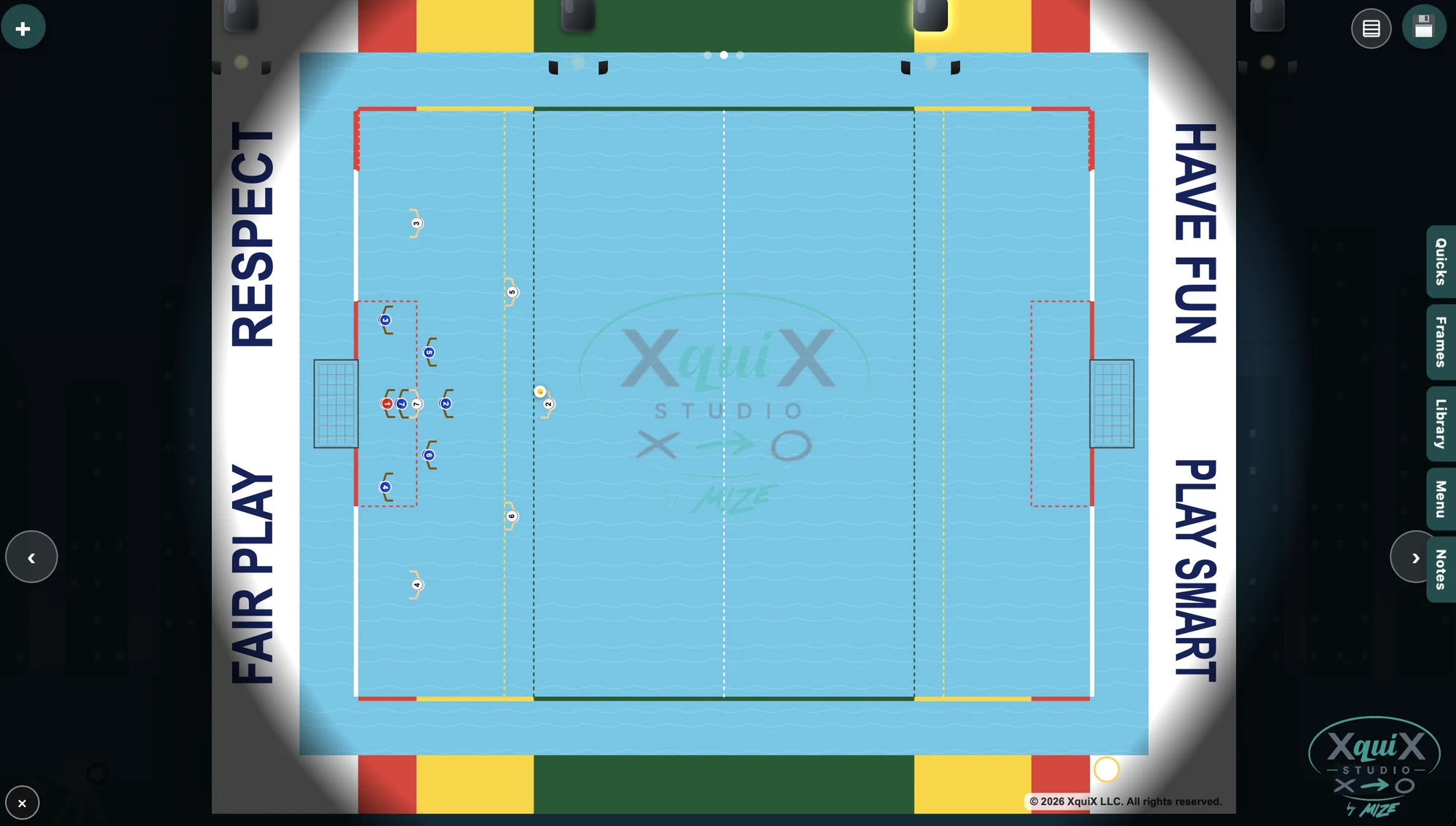
The Studio, showing a defensive game situation.
What it does that a whiteboard cannot.
It moves
Build a sequence in frames and play it back. Players see the movement, not a snapshot with arrows drawn over it.
It knows the game
The field, the zones, the shot clock, the shooting and blocking angles — all built in.
It survives the session
What you drew is still there tomorrow, and next season. A whiteboard is wiped by the time the next drill gets explained.
Three ways coaches use it.
Coaching
Plan your session before you get to the pool, then present it on deck.
Studio
Put it on a screen in front of the squad and walk them through what you want.
Practice
Turn a plan into a practice — warm up, skill, tactical, scrimmage — and run the session from it.
Open it and move a player.
It takes just five minutes to know whether this is how you want to coach. The free plan is the whole board.